Mail-in kit
How to pack and ship your MacBook safely
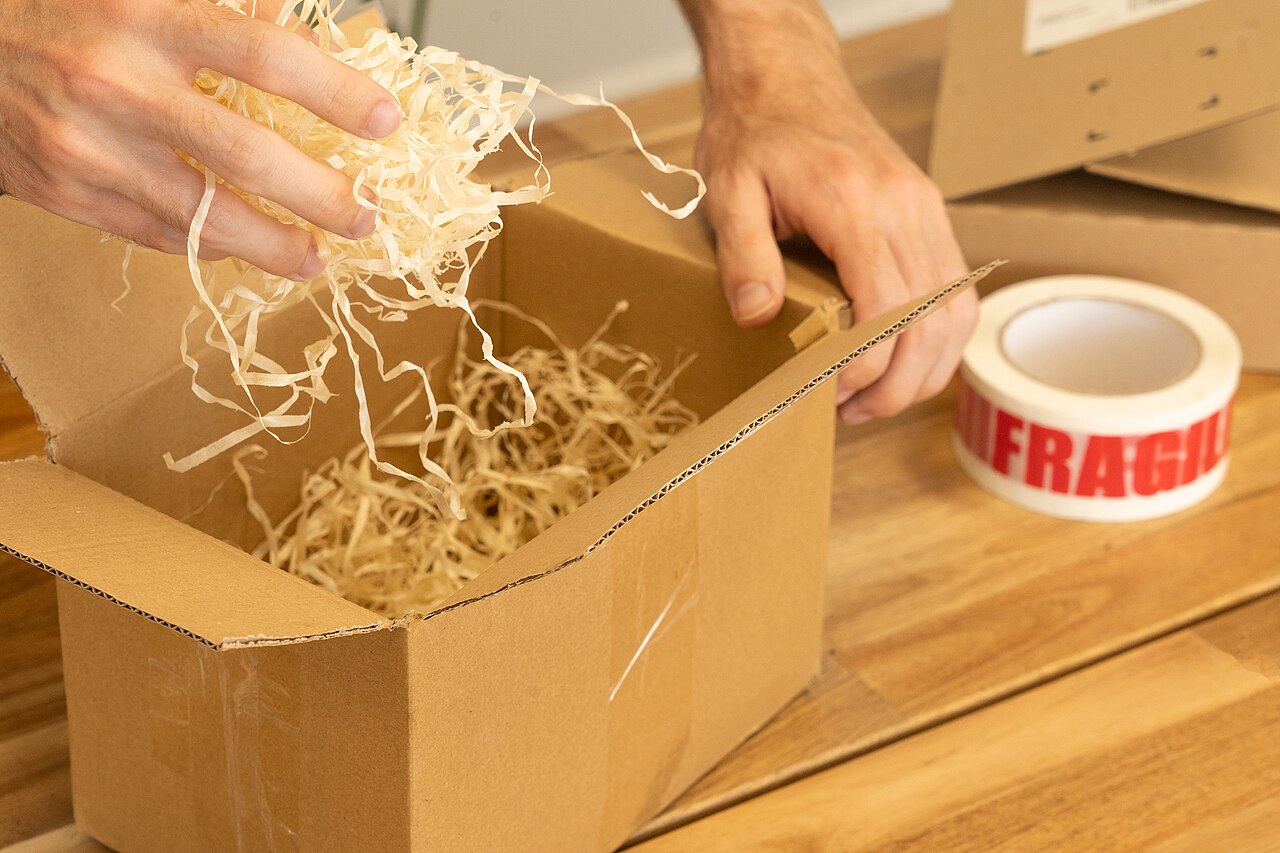
A well-packed parcel is the difference between a repaired laptop and an insurance claim. These are the packing, labelling and customs steps we ask every customer to follow before a machine travels to Wilmington.
Choose the right outer box
Start with a rigid, corrugated outer box that is at least five centimetres larger than the laptop on every side. A box that fits the machine snugly leaves nowhere for padding to work. Do not use an envelope, a padded mailer, or a box that has already been crushed; a corner that collapsed once will collapse again. If you still have the original Apple box, use it inside a larger shipping carton rather than as the outer box on its own.
Tape the bottom seams before you put anything inside. A box that is only taped on top can open in transit, and the seam most likely to fail is the one you cannot see.
Padding: the three-layer pattern
- Wrap the laptop. Put the machine in a soft sleeve, a clean cloth, or two layers of bubble wrap, with the bubble side facing inwards. Cover the screen before you close the lid only if you use a soft, lint-free sheet — never place loose objects between the display and the keyboard.
- Cushion the cavity. Add at least three centimetres of filler on every side: bubble wrap, air pillows, foam, or crumpled paper packed firmly. The goal is a machine that cannot move when the box is shaken.
- Close and seal. Fill the remaining void, close the flaps, and tape every seam, including the edges. Shake the box gently; if anything shifts inside, open it and add more filler.
Leave the charger and cable at home unless we ask for them. Accessories add weight, complicate customs declarations, and are easy to lose. Keep the power adapter with you so you can charge the machine the moment it returns.
The label and the paperwork
Write the shipping address exactly as we send it: our facility receives at 2140 Airport Rd, Suite 300, Wilmington, DE 19801, United States. Include the work order number somewhere visible — on the label, on the box, and on a note inside the box. A parcel that arrives without a work order number still gets logged, but matching it takes longer.
Put a copy of your contact email inside the box as well. Boxes lose their outer labels far more often than customers expect, and an interior note is the cheapest insurance in the world.
Customs wording for international mail
Cross-border parcels need an accurate declaration, and a laptop repair shipment is not a sale. Depending on your country and courier, describe the contents something like “MacBook laptop for repair — not for resale” and give a realistic value. Under-declaring to save duty usually backfires: a parcel with an implausible value is a parcel that gets opened and delayed at the border. When we return the machine, we complete the export side with matching wording so the two halves of the journey tell the same story.
Batteries and courier rules
Lithium batteries are regulated goods, but a laptop with the battery installed is a normal consumer shipment for the major networks. Two rules matter. First, do not ship a visibly swollen battery without telling us; a swollen pack can damage the machine and complicates carriage. Second, do not fully discharge a machine before shipping if it still holds power — a partial charge keeps the firmware healthier and gives us more to test with. If a courier refuses the parcel at the counter, change nothing about the packing; the problem is almost always the declaration wording, which we can correct with you.
Insurance and tracking
Use a tracked and, where available, signature-required service. Keep the receipt and the tracking number, and photograph the sealed box next to the label. Insurance is worth it on any machine you could not easily replace; the shipping and returns page explains how we handle a parcel that is lost or damaged in transit, and exactly where the risk sits on each leg of the journey.
Need a packing checklist for your model?
Tell us the model and your country and we will send the box size, padding notes and the customs wording for your lane.